
Security and access
FbExpert security combines several layers: users, groups, access profiles, per-endpoint rules, OTP, audit and alerts.
First administrator
The /setup page creates the first super administrator (ADMIN). It can be reached from any workstation over HTTPS as long as no user exists. Once the account is created, the page closes and redirects to /login.
Create it immediately after installation: while /setup is open, anyone who reaches the URL can create the first account.
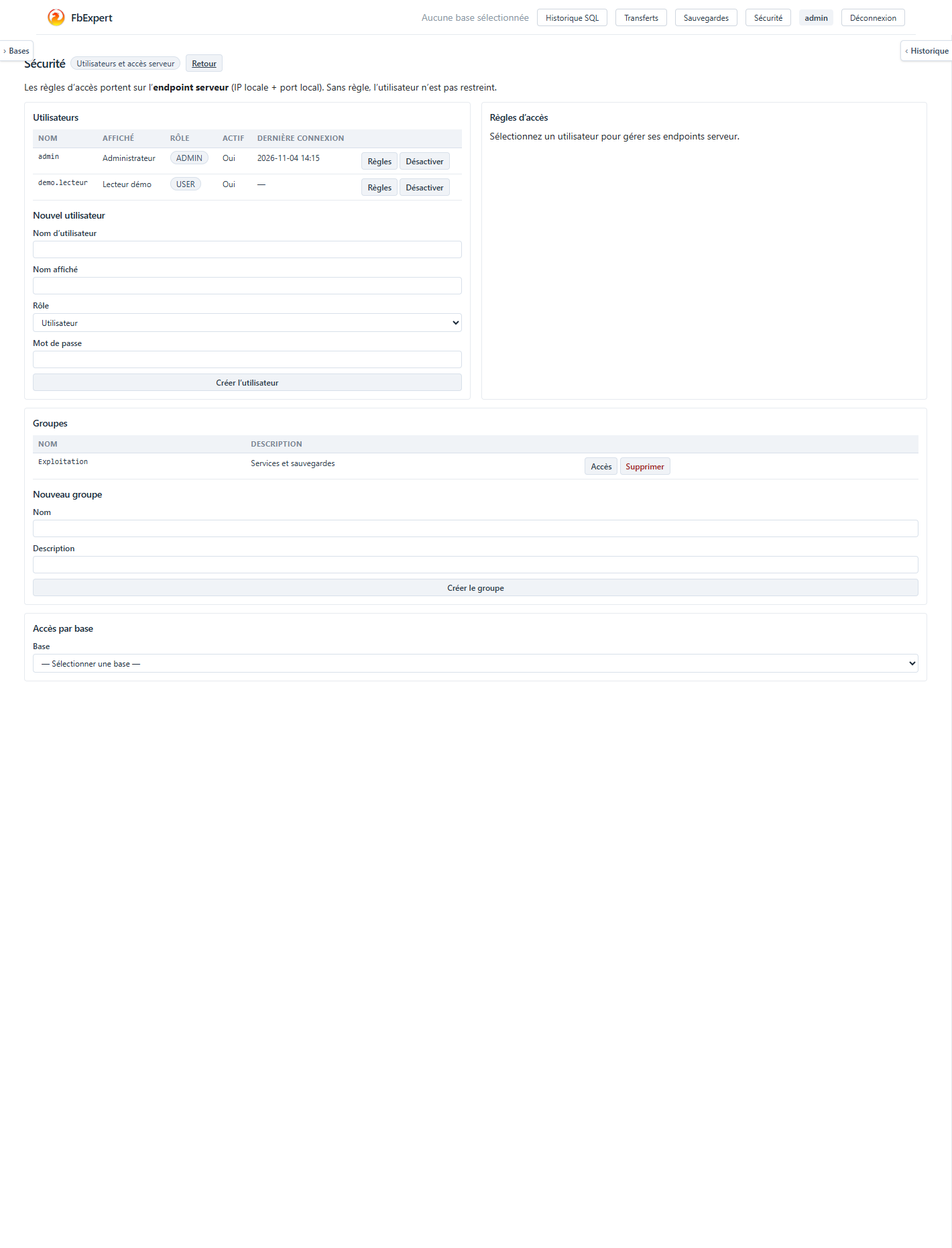
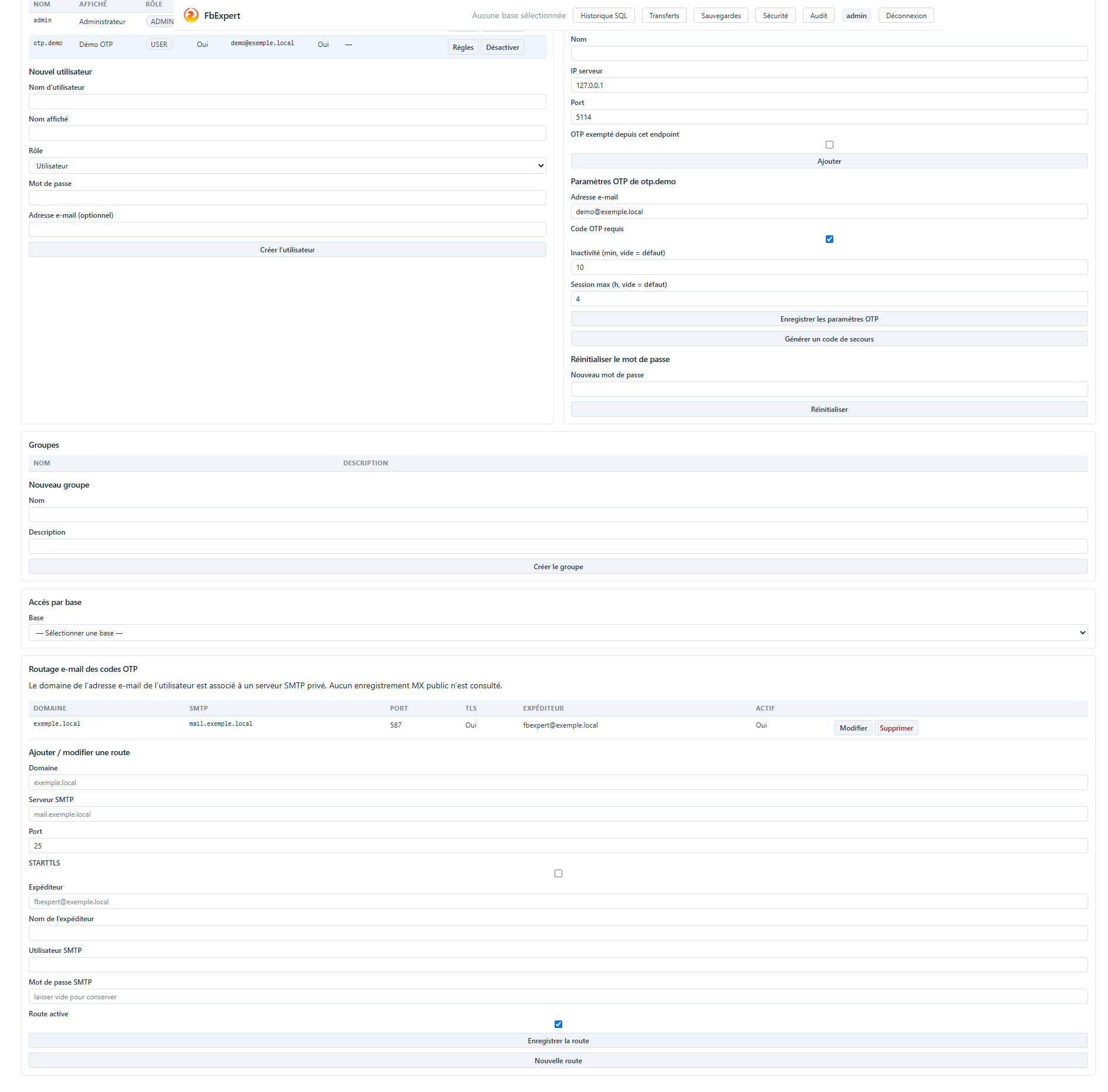
Users
A user has:
- a login name;
- a role,
ADMINorUSER; - an active/inactive status;
- an interface language;
- optionally an e-mail address and OTP;
- inactivity and session-duration limits.
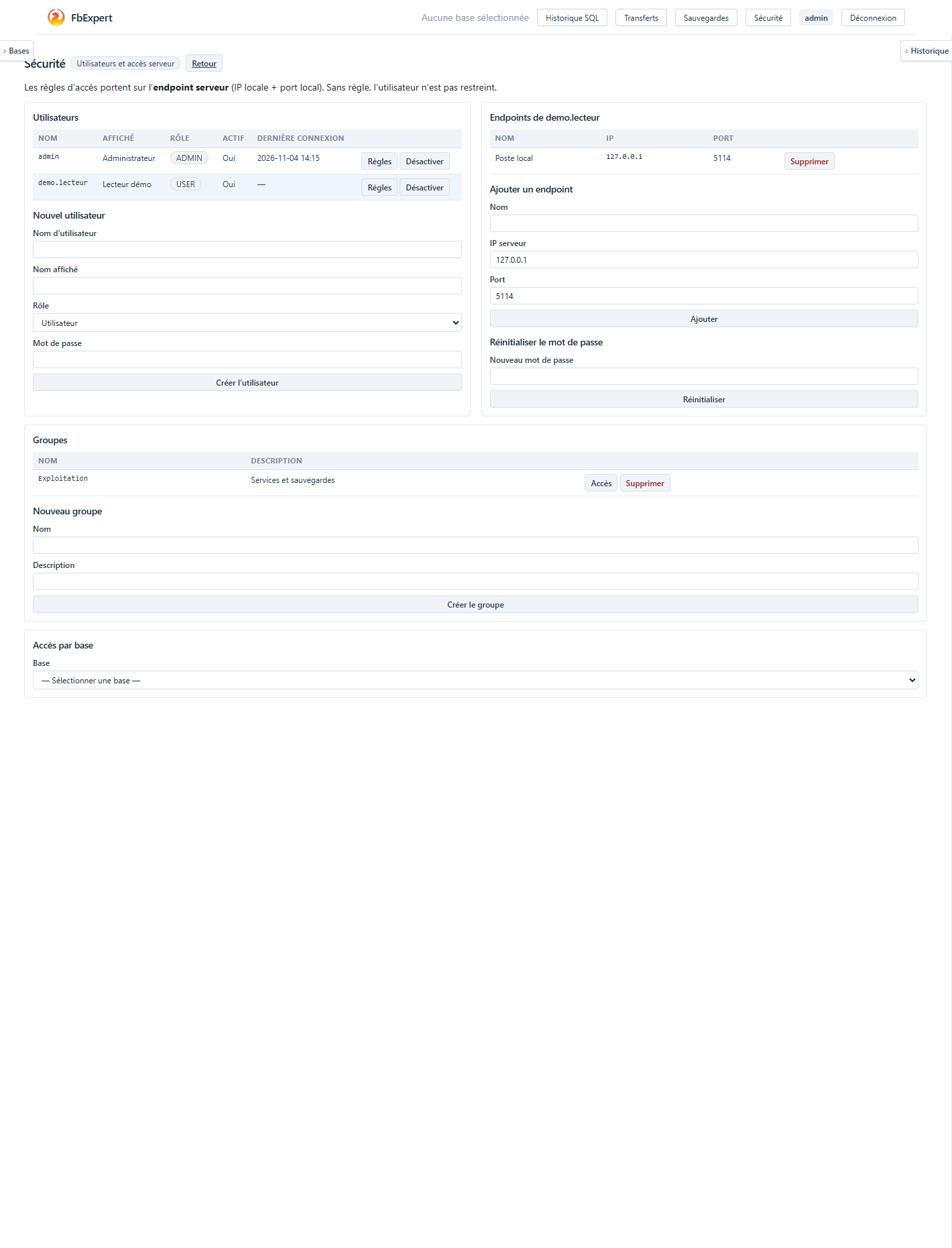
Groups
Groups simplify permission assignment. A user can belong to several groups.
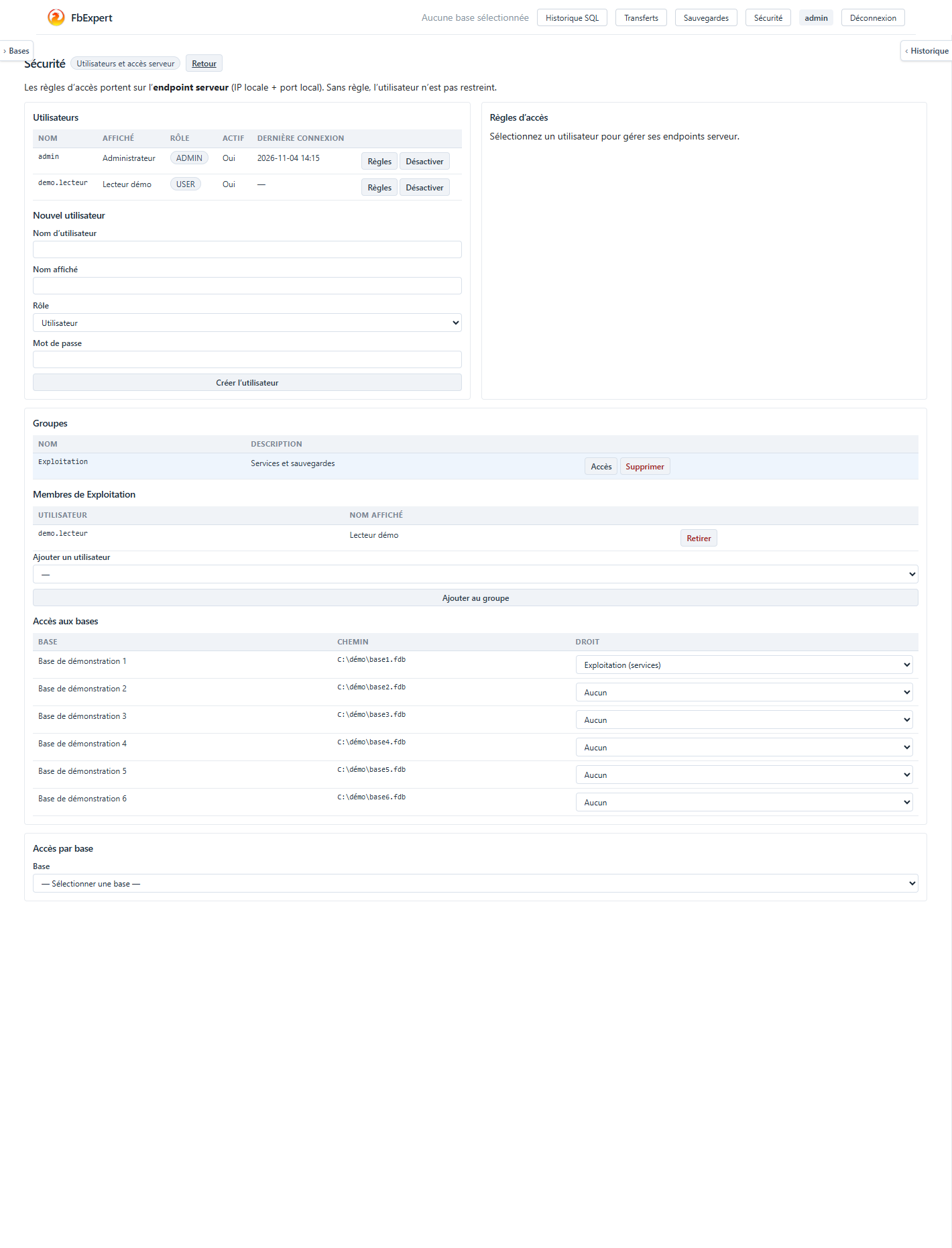
Access profiles
A profile describes what a user or a group can do on a database:
- structure;
- read;
- write;
- schema development;
- operations;
- user and access management.
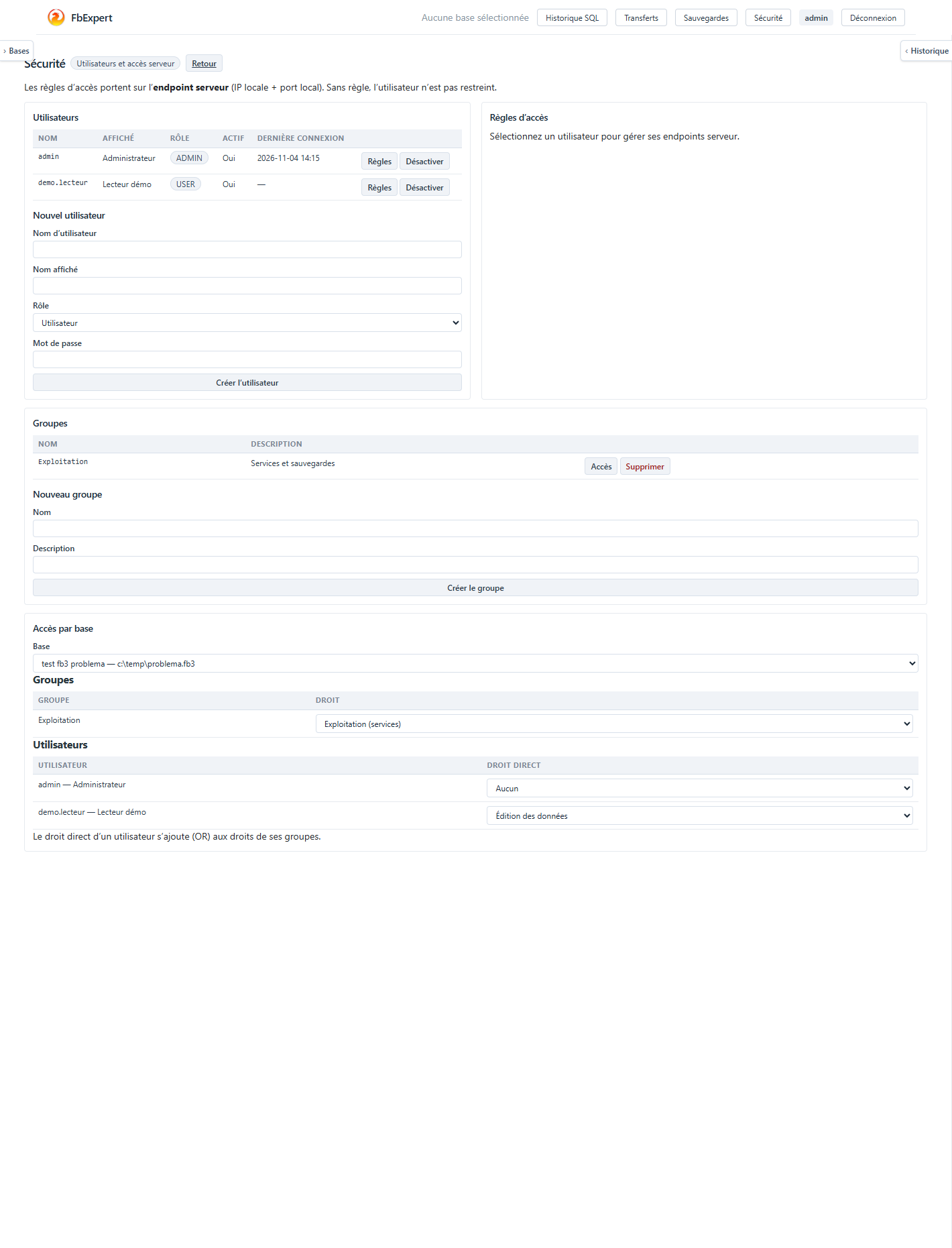
Effective permissions
The Effective permissions screen shows the final result:
- legacy permissions;
- group permissions;
- profiles;
- exclusions.
Best practice
Always check effective permissions after an assignment. A permission granted by a group can complement an individual permission.
OTP
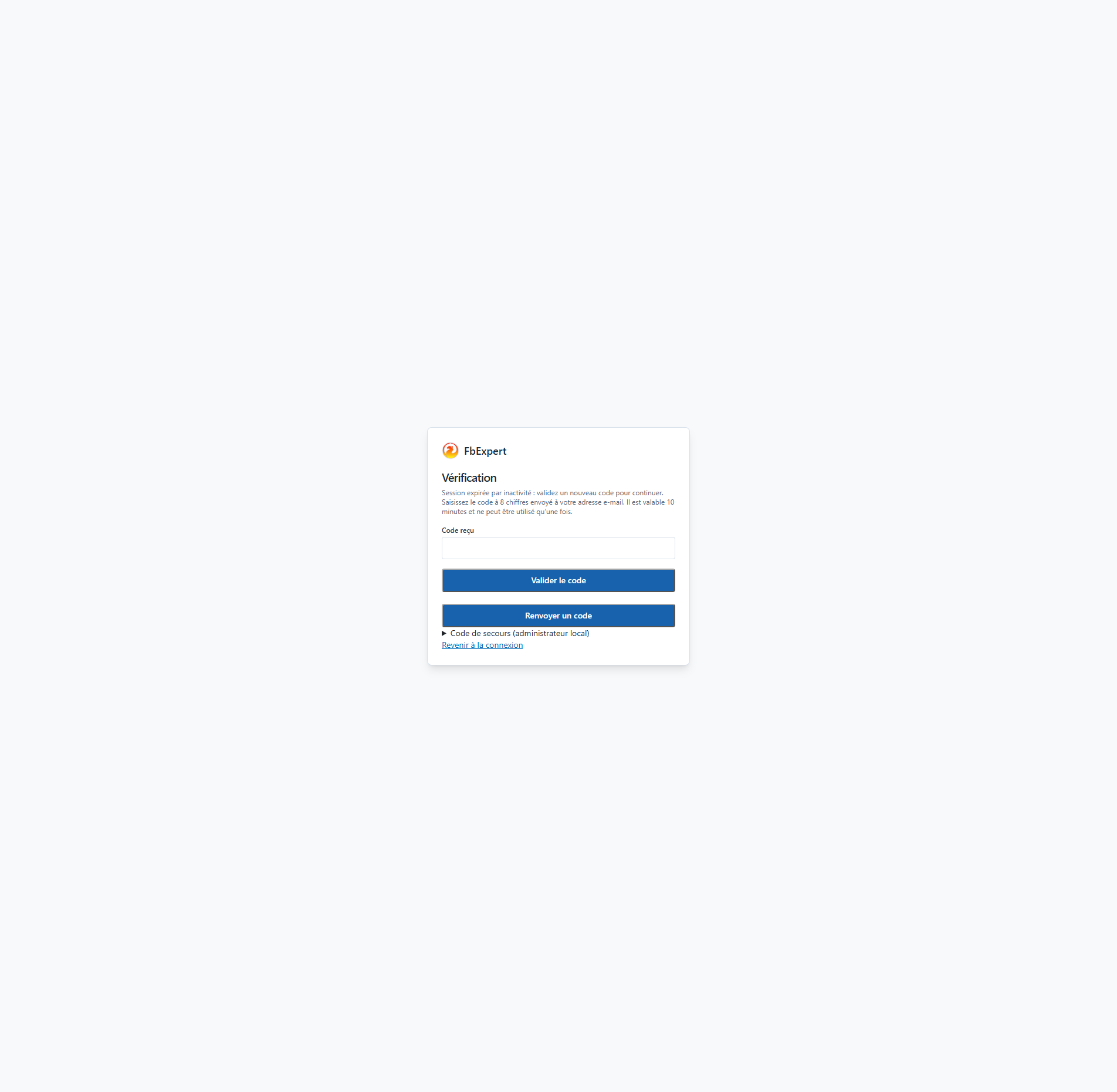
OTP can be enabled per user. The code is sent by e-mail and verified at login.
Audit and alerts
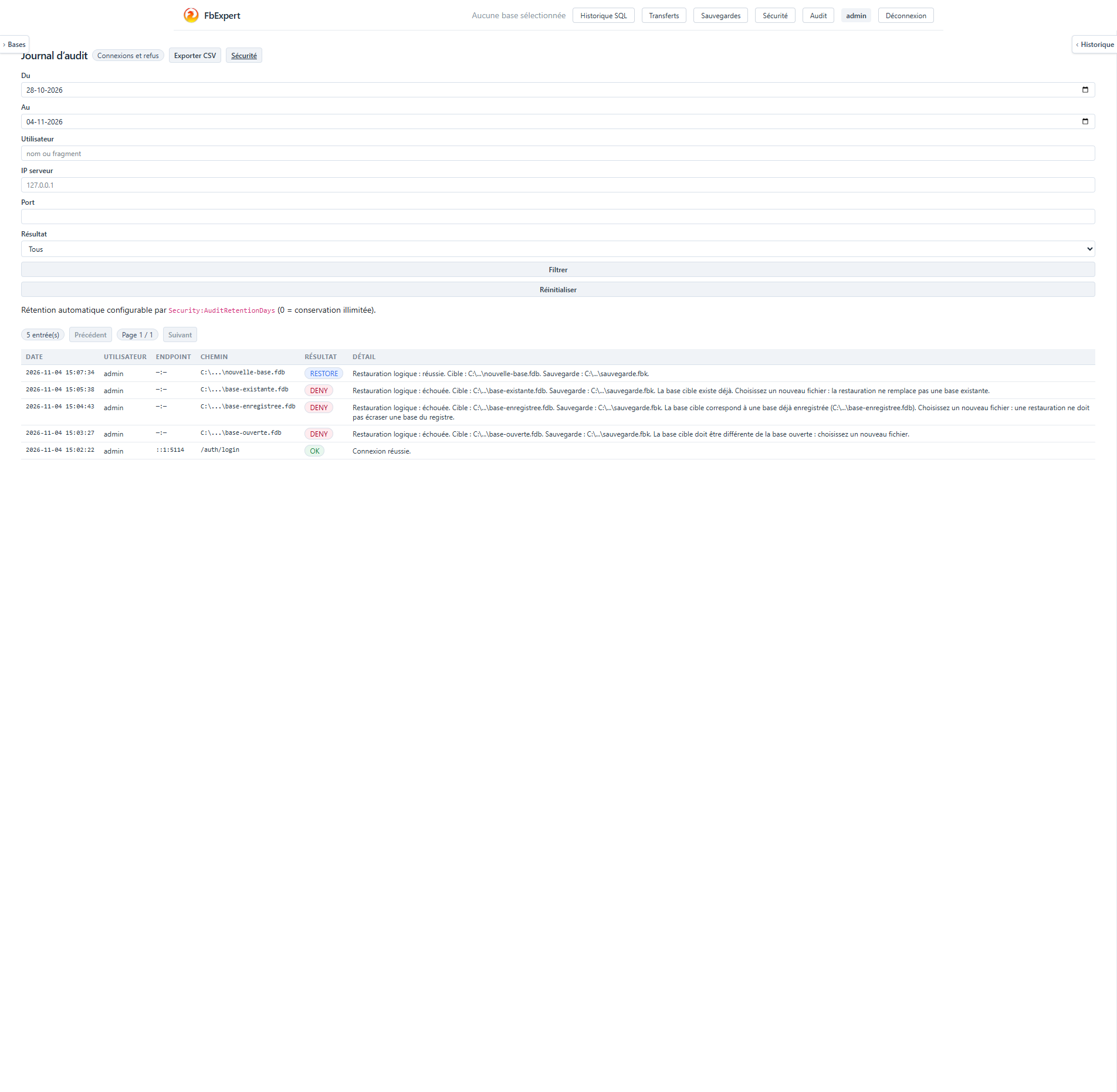
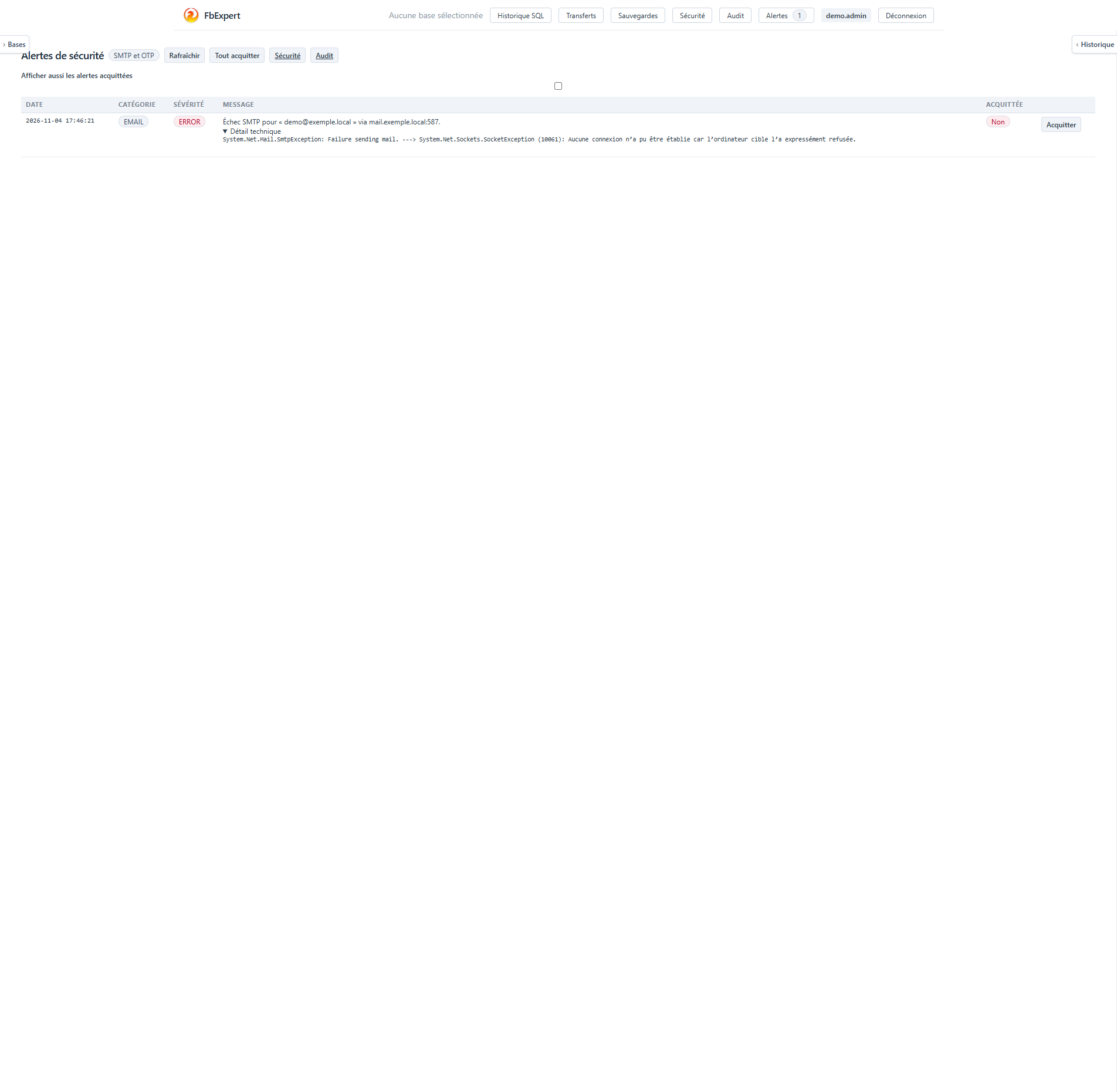
The audit trail keeps logins, denials, sensitive operations and security changes. Alerts flag the events that need attention.
Access denied
Unauthorized access is explicitly refused:
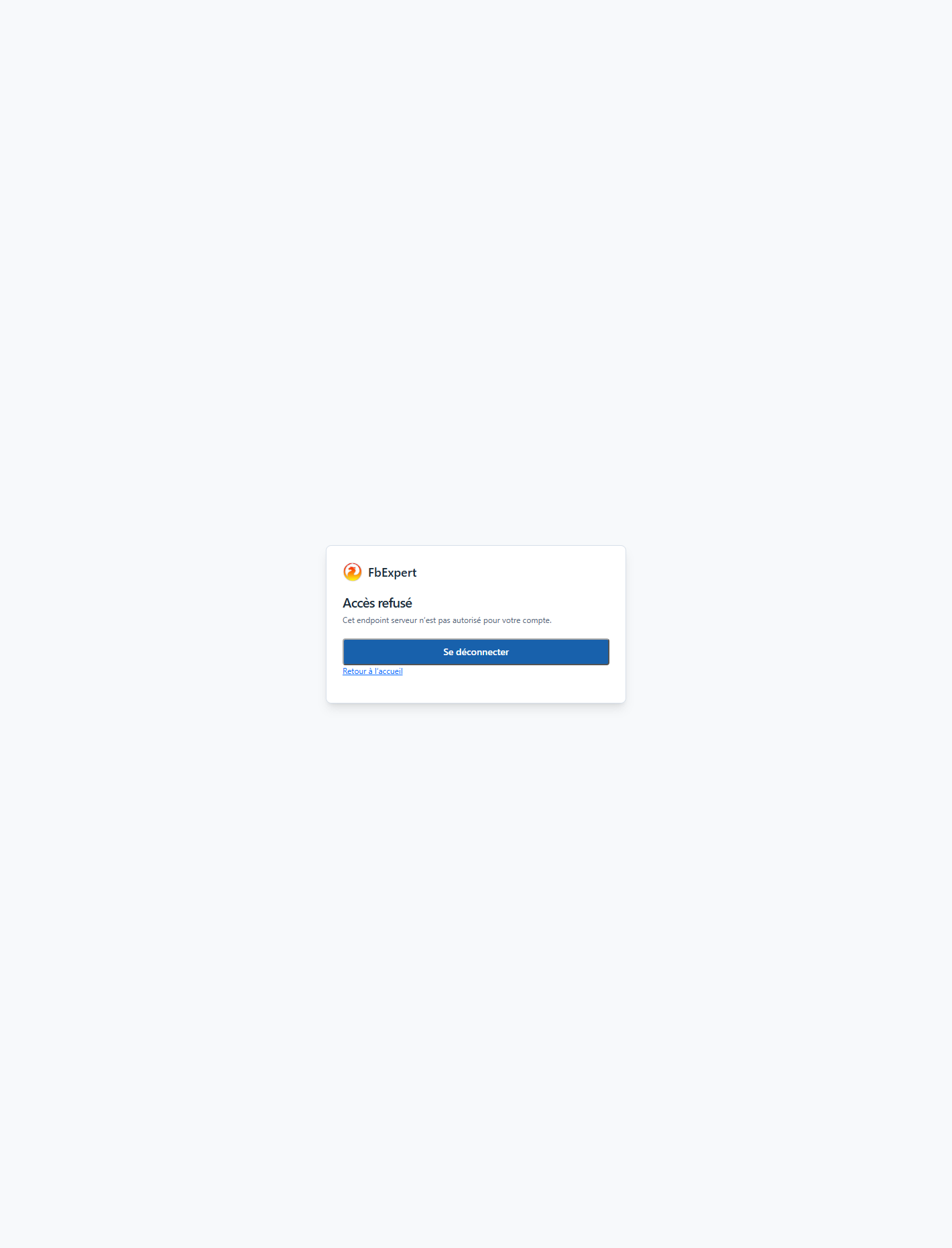
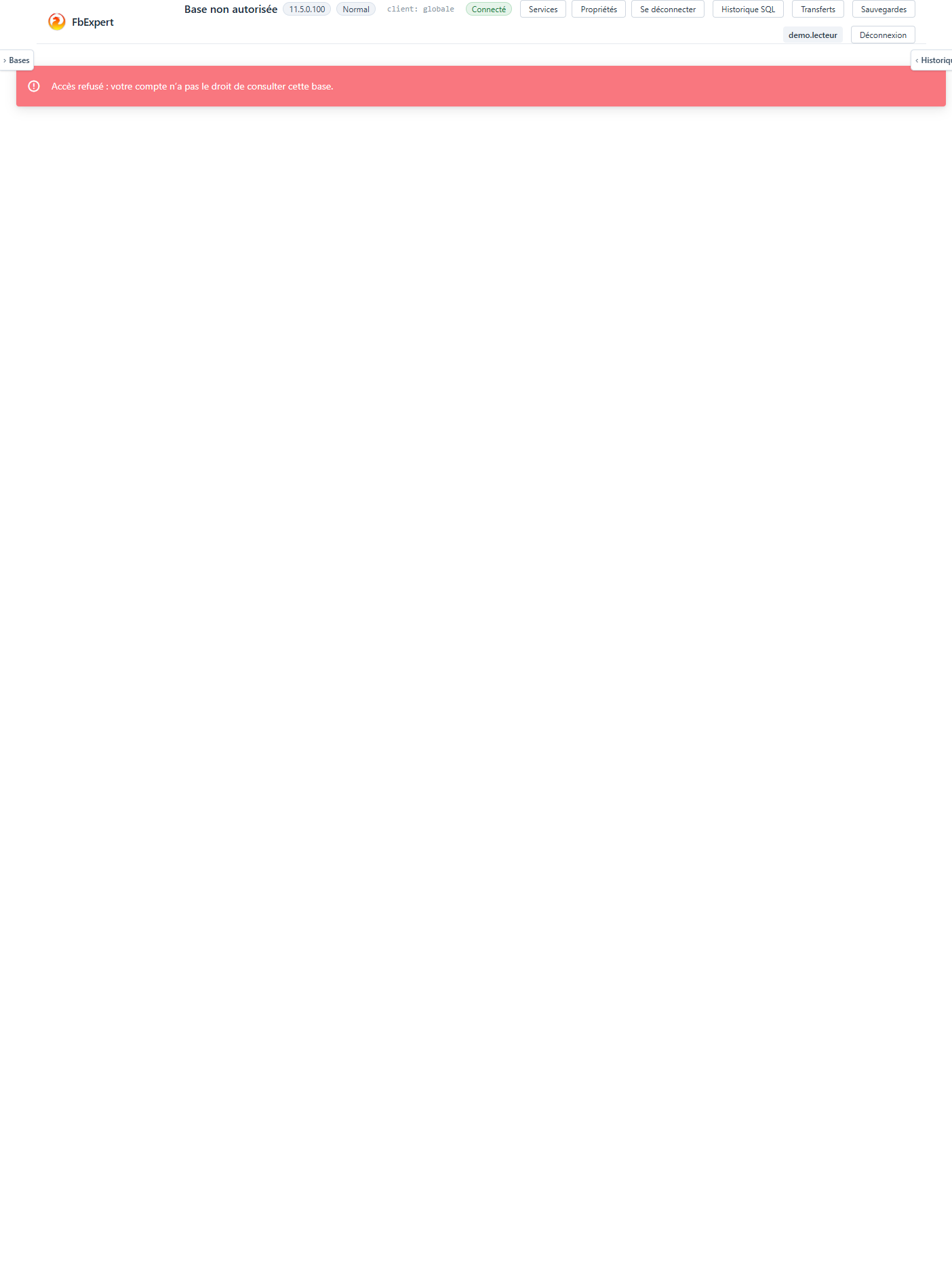
Login attempt limiting
Failed logins are counted per account and per IP. For a demo with a shared account, disable account lockout so that one visitor does not lock the demo for everyone:
"Security": {
  "LoginMaxAttempts": 3,
  "LoginWindowMinutes": 10,
  "LoginLockoutMinutes": 60,
  "LoginLockUserAccount": false
}
Only the offending IPs are then blocked. Also add an nginx rate limit on /auth/login and, where possible, fail2ban on the host.
HTTPS, Secure cookie and proxy
- The
FbExpert.Authcookie is marked Secure: a page served over HTTP never keeps the session. - Since 7.457, a correct password submitted over HTTP shows an explicit message (
/login?error=tls) instead of looping back to/login, and the failure is audited. - Behind a remote proxy, declare its address:
ForwardedHeaders:TrustedProxies(["10.0.0.5"]or["10.0.1.0/24"]) or--trusted-proxy 10.0.0.5at installation time. Otherwise the HTTPS scheme and the real client IP are ignored. - For a lab deliberately running over HTTP:
Security:CookieSecurePolicy=SameAsRequest. The Linux installer applies this value automatically when no local TLS is served (direct LAN access); the cookie remainsSecureon HTTPS requests. - Offline diagnostic:
FbExpert.Blazor --check-password <user>(hash, database used, latest audit entries). - Anti-forgery keys and cookies: stored in
DataDirectory/keys/data-protection, they follow the data and survive restarts andHOMEchanges.
Demonstration mode
In demonstration mode, non-administrator users are limited to read access:
- structure;
SELECT;EXECUTE;- DDL export.
Writes are hidden and uploads are refused.
Public credentials
On a demo VM, the login page can display the public account and password, and prefill the form:
"Demo": {
  "Enabled": true,
  "AllowAdminWrites": false,
  "ShowCredentials": true,
  "PublicUser": "demo",
  "PublicPassword": "mot-de-passe-public"
}
The values stay in the demo VM's appsettings.json, never in the repository. In production, ShowCredentials must remain false.
WARNING
Demonstration mode does not replace Firebird permissions. For a public instance, also apply a lock on the database side.